





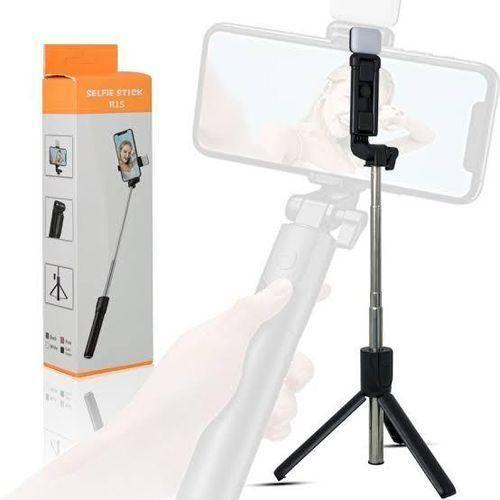
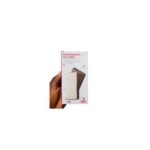
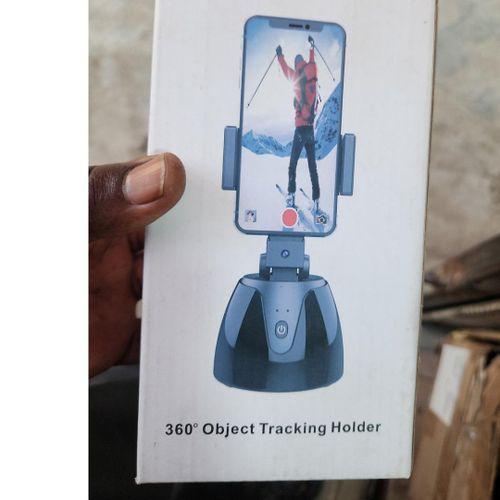
R1S Bluetooth Remote Control 3 In 1 Selfie Stick R1S Selfie Stick With LED Light
$9.56
R1S Selfie Stick Adjustable Multifunctional 3 in 1 Bluetooth Remote Control Phone Tripod for Video Shooting Color: Black, White, Pink Mobile Phone Cli…
| Weight | 0.5 kg |
|---|
R1S Selfie Stick Adjustable Multifunctional 3 in 1 Bluetooth Remote Control Phone Tripod for Video Shooting Color: Black, White, Pink Mobile Phone Clip Distance: 58-92mm/2.28-3.62″ Stretching Height: 70cm/27.56″ Desktop Tripod Status: 31-66cm/12.2-25.98″ Fill Light Mode: White Light/2 Gear Number Of Lamp Beads: 4x LED 2835 Current And Voltage: CR 1632/70mAh (Replaceable) Material: ABS+Stainless Steel Bluetooth Connection Operation Method: 1. Long press the power button for 3 seconds, the LED light starts to flash. 2. Search for the Bluetooth device name “Self ie Com1” to successful connection and the light turns off. 3. Bluetooth has a memory function, which automatically matches the connected mobile phone when it is turned on. Note: If there are too many Bluetooth device names on the mobile phone, clear all the device names and turn on the remote control to add a new Bluetooth device name to connect. Due to the different monitor and light effect, the actual color of the item might be slightly different from the color showed on theR1S Selfie Stick Adjustable Multifunctional 3 in 1 Bluetooth Remote Control Phone Tripod for Video Shooting Color: Black, White, Pink Mobile Phone Clip Distance: 58-92mm/2.28-3.62″ Stretching Height: 70cm/27.56″ Desktop Tripod Status: 31-66cm/12.2-25.98″ Fill Light Mode: White Light/2 Gear Number Of Lamp Beads: 4x LED 2835 Current And Voltage: CR 1632/70mAh (Replaceable) Material: ABS+Stainless Steel Bluetooth Connection Operation Method: 1. Long press the power button for 3 seconds, the LED light starts to flash. 2. Search for the Bluetooth device name “Self ie Com1” to successful connection and the light turns off. 3. Bluetooth has a memory function, which automatically matches the connected mobile phone when it is turned on. Note: If there are too many Bluetooth device names on the mobile phone, clear all the device names and turn on the remote control to add a new Bluetooth device name to connect. Due to the different monitor and light effect, the actual color of the item might be slightly different from the color showed on the
Only logged in customers who have purchased this product may leave a review.
Q & A
Vendor Information
- Store Name: Netjets
- Vendor: Netjets
-
Address:
Alaba
Lagos
Lagos
Nigeria - No ratings found yet!

Ideal Cream 50g X2pcs

Rose Addict Unisex Perfume 100ml
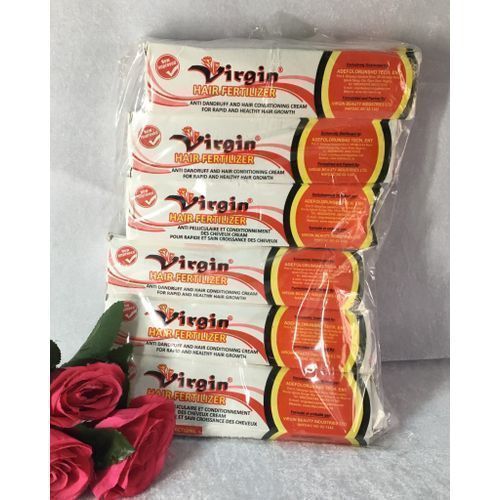
Hair Fertilizer, Anti Dandruff And Conditioning Cream 55g X6pcs
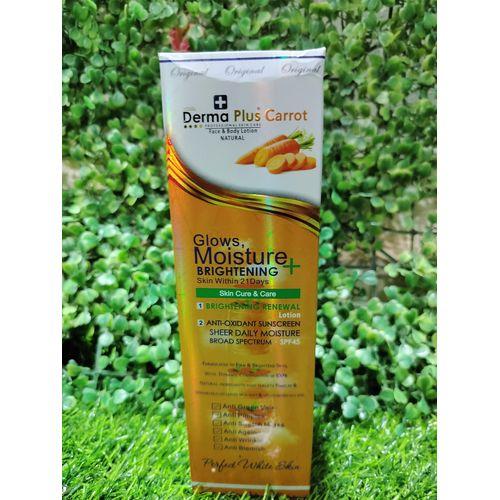
Plus Carrot Moisture + Brightening Face And Body Lotion – 550ml
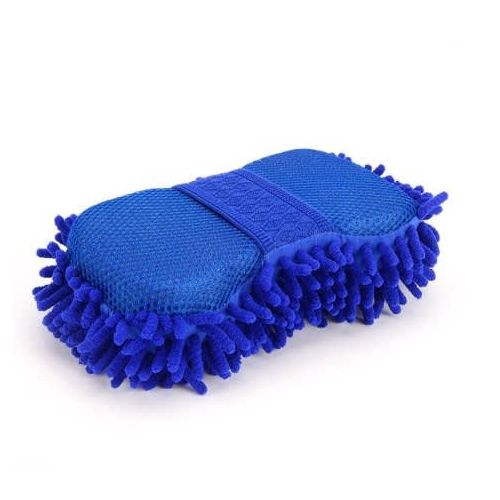
Car Wash Sponge
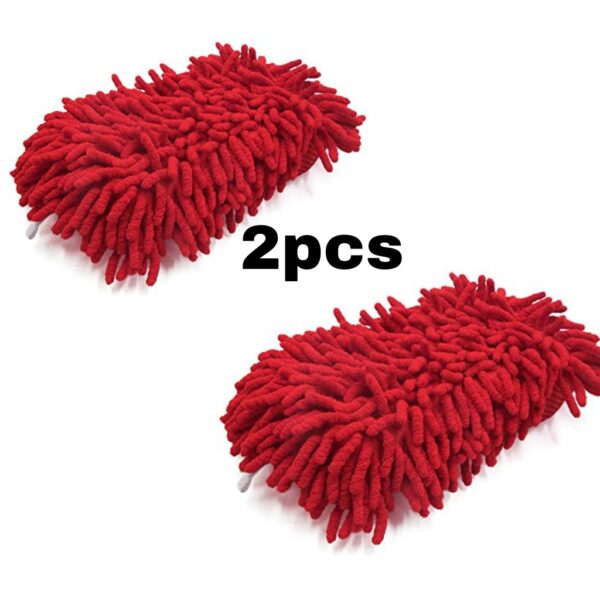
Chenille Car wash Sponge x2pcs
- Material: Microfiber Chenille & Sponge
- Size: 22*12*6.5CM
- Multi-functional cleaner--Except being one of best car wash mitts, also can be used as a duster for computer,home,TV,motorcycle etc;
- Super Absorbent--Holds a lot of water and suds makes you wash away the dirt easily without needing to apply a lot of pressure.
- Foam
- Safe on paint
- Multipurpose
- Car wash
- Jagged edges
Reviews
There are no reviews yet.